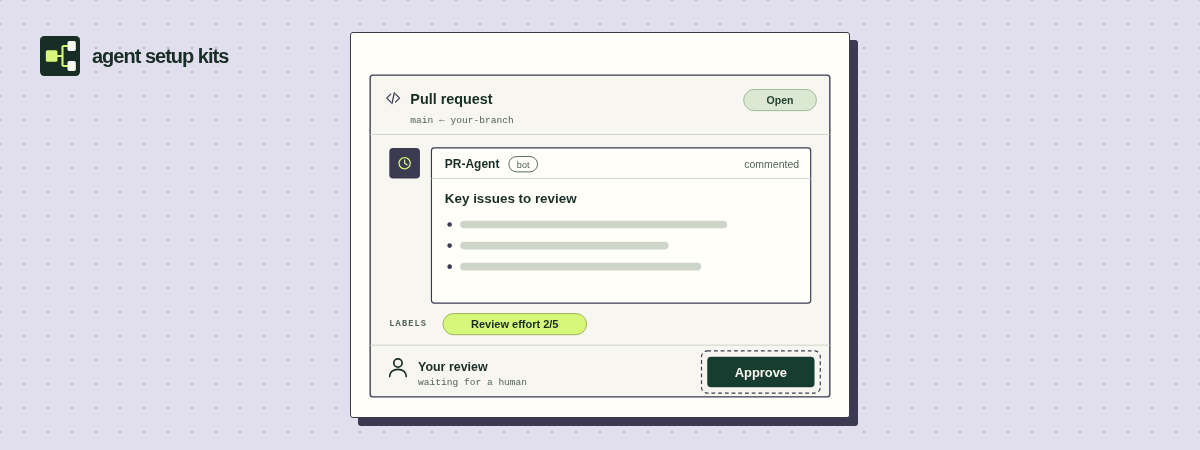
PR-Agent is an MIT-licensed, self-hosted pull request reviewer that you can run as a GitHub Action with your own model key. It posts a review, a description, and code suggestions as comments, and a person still decides what gets merged.
If you are looking for an open-source alternative to hosted AI review services, PR-Agent is a good place to start. This guide covers what it does, a pinned GitHub Action setup, and the settings to check before it touches a real repo.
Based on PR-Agent, by The-PR-Agent community maintainers, originally created by Qodo. MIT license. We checked release v0.49.0 on 2026-10-28.
What PR-Agent is now
The project moved homes. Its README says Qodo donated PR-Agent to the open-source community, it now lives in the The-PR-Agent GitHub org, and docs moved to docs.pr-agent.ai. The README also states plainly that this repository "is not the Qodo offering for open-source projects." If you find older guides that point to qodo-ai/pr-agent or the codiumai/pr-agent Docker image, they are out of date: releases 0.34.2 and later publish to pragent/pr-agent on Docker Hub.
Per the README, it supports GitHub, GitLab, Bitbucket, Azure DevOps, and Gitea, and works with OpenAI, Anthropic, Google, and other models through LiteLLM (changing a model).
The tools you will use
/review: a review comment with key issues, a possible security issue label, and a "Review effort x/5" label. Both labels are on by default, per the review tool docs./describe: writes a PR title and description. By default it overwrites the original description (publish_description_as_comment=falsein the default configuration)./improve: code suggestions. The default is a table in a comment; committable suggestions are off by default, per the improve tool docs./ask "...": free-text questions about the PR.
One known gap: the README notes /help_docs is temporarily disabled since v0.36.1, pending a fix for a credential-exposure issue (#2445).
What it can touch
Think through access before you install anything:
- Your code goes to your model provider. PR-Agent's security policy says the project does not send code to servers it operates; the relationship is between you and your LLM provider. Check that provider's data terms for your repo.
- GitHub permissions. The official workflow grants
contents: read,issues: write, andpull-requests: write. That lets it comment, label, and edit PR descriptions. It does not need write access to code. - Secrets. Your model key lives in a repository secret. Never paste it into the workflow file.
Setup: a pinned GitHub Action
1. Add your model key as a secret. In the repo, go to Settings > Secrets and variables > Actions, and add OPENAI_KEY (or the key for the provider you choose). GITHUB_TOKEN is created by GitHub automatically.
2. Add the workflow. The docs use the-pr-agent/pr-agent@main, which always tracks the latest release. For a setup that behaves the same next month, the security policy recommends pinning an immutable version tag, or a digest:
# .github/workflows/pr_agent.yml
name: PR Agent
on:
  pull_request:
    types: [opened, reopened, ready_for_review]
  issue_comment:
jobs:
  pr_agent_job:
    if: ${{ github.event.sender.type != 'Bot' }}
    runs-on: ubuntu-latest
    permissions:
      contents: read
      issues: write
      pull-requests: write
    steps:
      - name: PR Agent action step
        uses: docker://pragent/pr-agent:0.49.0-github_action
        env:
          OPENAI_KEY: ${{ secrets.OPENAI_KEY }}
          GITHUB_TOKEN: ${{ secrets.GITHUB_TOKEN }}
          github_action_config.auto_review: "true"
          github_action_config.auto_describe: "false"
          github_action_config.auto_improve: "true"
The 0.49.0-github_action tag was published on Docker Hub on 2026-10-25 (we checked 2026-10-28). The security policy says version tags are immutable. For the strictest pin, resolve the digest and use docker://pragent/pr-agent@sha256:<digest>; the policy also shows how to verify it with gh attestation verify.
3. Decide what runs automatically. If you set nothing, the usage guide says review, describe, and improve all run on every new PR. The example above turns off auto-describe so authors keep their own descriptions. If you want /describe but not the overwrite, add PR_DESCRIPTION.PUBLISH_DESCRIPTION_AS_COMMENT: "true" so it posts as a comment instead.
4. Merge the workflow and open a test PR. Per the docs, you should see a comment from the github-actions bot with the review and instructions for the other tools.
Forks and pull_request_target
By default, pull_request runs from forks cannot read your secrets, so reviews of outside contributions will not work. The GitHub install docs show a pull_request_target variant that can. Read their security note first: that event runs with your secrets, and you should not build, test, install, or run fork code in the same job. PR-Agent reads the PR through the API and does not need a checkout, so leave actions/checkout out entirely.
The human approval step
PR-Agent comments and labels. It does not approve or merge. Keep it that way:
- Branch protection stays on. Require at least one human approving review before merge. The bot's comment is input to that review, not a replacement.
- Labels can gate, people decide. The review docs suggest a CI check that blocks merges on a "possible security issue" label. A person with the right permissions can remove the label, and PR-Agent records that removal in the PR discussion.
- Suggestions are applied by a person. Leave committable suggestions off at first. The improve docs themselves advise "critical analysis and judgment" before applying suggestions.
First-week checklist
- Run it on a test repo or a low-risk branch first.
- Read five reviews closely and note false alarms.
- Tune with
extra_instructionsor a.pr_agent.tomlon the default branch rather than ignoring noise. - Watch your model bill for a week before turning on more tools.
- Re-check the releases page before bumping the pinned tag.
Next step
Add the workflow to one test repository today and open a small PR to see the first review. To compare with a Claude-based reviewer, read our Review pull requests with Claude kit, and find an agent for the job for more setups.
Good setups, worth keeping. Request email updates on the home page, then confirm by email. No subscription starts until you confirm.