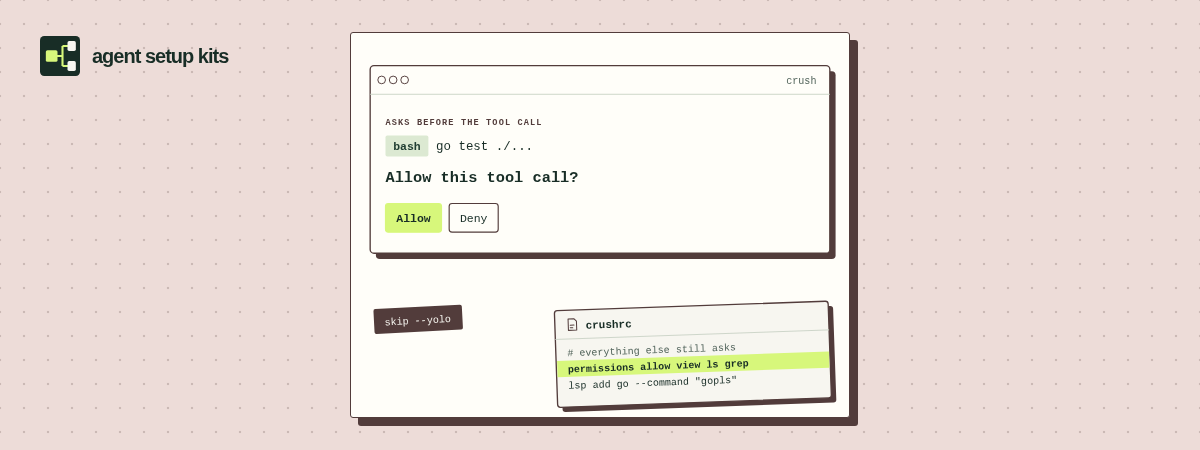
Crush is a terminal coding agent from Charm that asks you for permission before it runs tool calls, unless you tell it otherwise. To use it on a real repository, install it, review any crushrc in the folder before you launch, auto-approve only read tools, add a language server for context, and leave the --yolo flag alone.
Based on Crush, by Charmbracelet, Inc. (Charm). We checked v0.98.2, released 23 October 2026, and its README. Details can change between releases, so check the version you install.
What Crush is
The README describes Crush as working with "a wide range of LLMs", with the option to add your own through OpenAI- or Anthropic-compatible APIs and to switch models mid-session while keeping context. It keeps multiple sessions per project, uses language servers (LSPs) for extra context, and connects to MCP servers over http, stdio and sse. It lists support for macOS, Linux, Windows (PowerShell and WSL), Android, FreeBSD, OpenBSD and NetBSD.
A note on the license before you start
Crush is not under a classic open-source license. Its LICENSE.md is FSL-1.1-MIT (the Functional Source License). In short:
- Permitted: any purpose other than a "Competing Use". The license names internal use, non-commercial education and research, and professional services for a licensee as permitted.
- Not permitted: making it available to others in a commercial product or service that substitutes for Crush, or offers "the same or substantially similar functionality".
- Later: each release becomes available under the MIT license on the second anniversary of the date Charm makes it available.
For using Crush on your own code, that is usually fine. If you plan to build a product around it, read the license in full or ask your counsel. This is a summary, not legal advice.
Step 1: Install it
The README lists many install routes. Two common ones:
# Homebrew
brew install charmbracelet/tap/crush

# npm (macOS, Linux and Windows)
npm install -g @charmland/crush
Windows users can also run winget install charmbracelet.crush, and there are packages for Arch, Nix, FreeBSD, Debian/Ubuntu, Fedora and Scoop, plus go install.
Step 2: Choose a model and keep keys out of files
Press ctrl+l to open the model picker, choose a provider and paste your API key. You can also set environment variables such as ANTHROPIC_API_KEY, OPENAI_API_KEY or GEMINI_API_KEY. Charm also offers its own subscription provider, Hyper; you don't need it to use Crush with another provider's key.
Keep keys in environment variables or a password manager, never in a file the agent can read or commit. The README's own example pulls a token from 1Password at load time instead of writing it down.
Step 3: Review the config before you launch
Crush is configured with a crushrc, which the README describes as "just Bash with some Crush-specific builtins". It looks for config in this order:
| Priority | Location |
|---|---|
| 1 | ./.crushrc in the project |
| 2 | ./crushrc in the project |
| 3 | ~/.config/crush/crushrc for your user |
The older JSON format still works but "should be considered deprecated".
This matters for safety. The README is direct: both crushrc and crush.json "are trusted code". A crushrc runs in a full shell, and any $(...) in crush.json runs at load time. Its advice: "Don't launch Crush in a directory whose config you haven't reviewed." A project config can also change permissions, so a cloned repo could ship a crushrc that auto-approves tools. Open those files first, every time you clone something new.
Step 4: Keep the permission prompts
By default, Crush "will ask you for permission before running tool calls". That prompt is your human approval step. Read what it wants to run, then approve or refuse.
To save clicks on harmless actions, allow only read tools in your user crushrc:
# Auto-approve read-only tools; everything else still asks
permissions allow view ls grep
The README's example also allows edit. We leave edits on ask for a first run on a real repo, so you see each change before it lands.
If you never want the agent to have a tool at all, deny it. Denied tools are hidden from the agent entirely:
permissions deny sourcegraphThen there is --yolo, which skips all permission prompts. The README's own words: "Be very, very careful with this feature." On a real repo, don't use it. If several clients share one crush serve workspace, the first client's --yolo setting wins, so check how the shared session was started.
Step 5: Give it better context
Language servers help the agent understand your code. Add one per language in crushrc:
lsp add go --command "gopls"
lsp add typescript --command "typescript-language-server" --args --stdio
Crush respects .gitignore by default. Add a .crushignore, which uses the same syntax, for files you keep in version control but don't want the agent to read, such as large fixtures or generated code.
For instructions, Crush reads ~/.config/crush/CRUSH.md for Crush-specific rules and ~/.config/AGENTS.md for instructions shared with other coding tools. Remember that instructions are guidance; the permission prompts and denied tools are the controls.
Step 6: Review the work and commit yourself
When Crush creates commits or pull requests, it adds attribution by default: an Assisted-by: Crush:[ModelID] trailer and a "Generated with Crush" line. You can change the trailer style with option attribution-trailer-style (assisted-by, co-authored-by or none). We'd keep it on, so reviewers know an agent was involved.
The final step stays human. Run git diff, read the change, run your tests, and make the commit or push yourself.
The takeaway
Crush's defaults already put a person in the loop: it asks before tool calls. Keep it that way. Review any crushrc before launch, auto-approve only read tools, keep edits and shell on ask, skip --yolo, and commit the result yourself.
Next step
Install Crush, add the three-line read-only crushrc above to a small repo you know well, and walk one change from prompt to reviewed commit. To compare another terminal agent's approval model, see our Codex CLI kit, read how we verify kits, or find an agent for the job.
Good setups, worth keeping. Request email updates on the home page, then confirm by email. No subscription starts until you confirm.